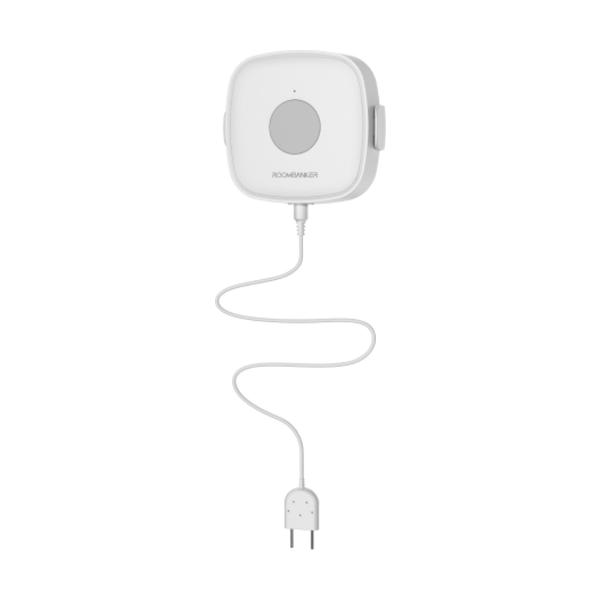
01. Pairing & Initial Setup
- 1In RB Link, select your hub, tap "+", and choose "Add peripheral".
- 2Remove the back shell and fit the CR2032 battery—the green LED flashes and the detector appears in RB Link.
- 3If needed, hold the register button for 5 seconds.
- 4Assign a room and tap "Done".