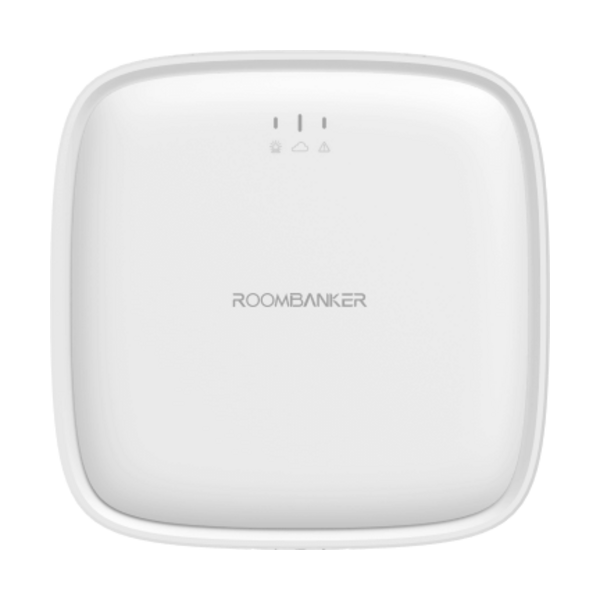
01. Pairing & Initial Setup
- 1Install the RB Link mobile app and sign in to your account.
- 2Insert an active 4G SIM card into the SIM tray after disabling the SIM PIN lock on a phone.
- 3Connect the USB Type-C (5V / 2A) power supply and optional Ethernet cable, then switch power ON until the green indicator flashes continuously.
- 4Tap "+" in RB Link and scan the QR code on the bottom label of the hub.
- 5Complete Ethernet, 2.4 GHz Wi-Fi, or cellular connection setup—when online, the blue indicator stays solidly lit.