01. Pairing & Initial Setup
- 1Open your hub in RB Link, tap "+", and choose "Add peripheral".
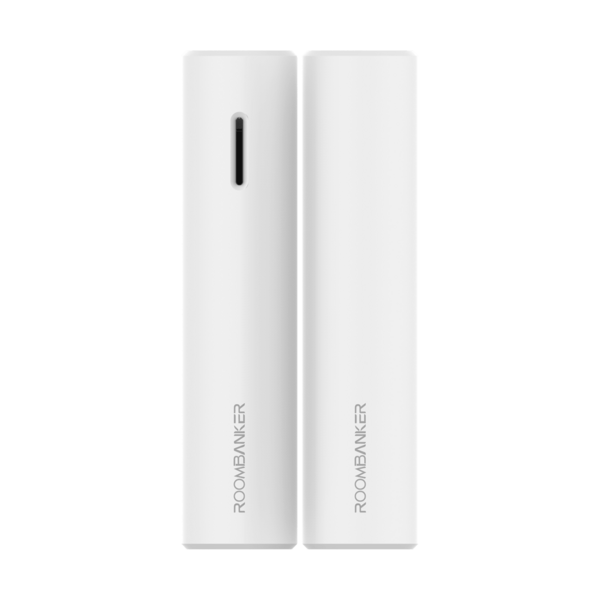
- 2Pull the insulation strip to activate the CR123A battery until the green LED flashes.
- 3Hold the register button for 5 seconds if auto-enrollment does not trigger.
- 4Configure tilt threshold (5°–25°) and shock sensitivity in RB Link settings.