01. Pairing & Initial Setup
- 1Tap "+" → "Add peripheral" inside your hub in RB Link.
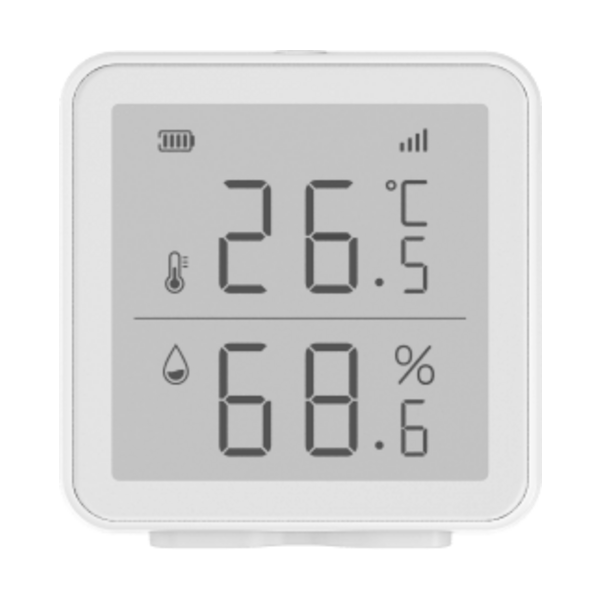
- 2Remove the back shell and insert three AA batteries—signal bars light sequentially as the monitor appears in the app.
- 3If it does not appear, press and hold the register button for 5 seconds.
- 4Assign a room and tap "Done".