01. Pairing & Initial Setup
- 1Open your hub in RB Link, tap "+", and choose "Add peripheral".
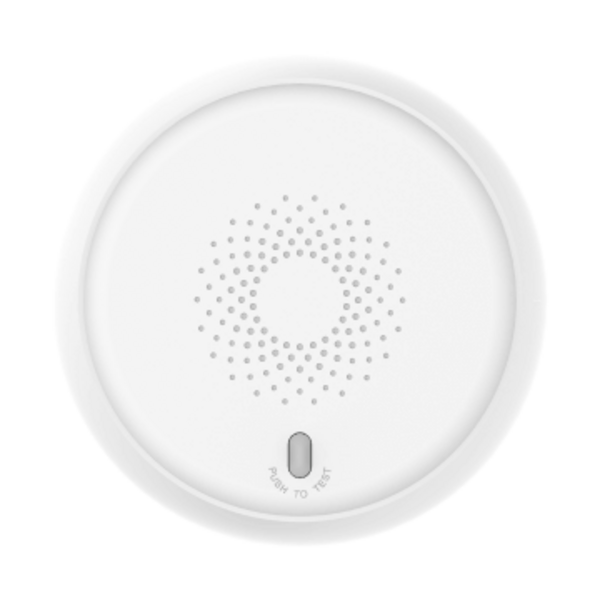
- 2Power up the detector with the CR123A battery.
- 3Hold the main button until the green indicator lights up, then release—the sensor enrolls automatically.
- 4Assign a room and tap "Done".