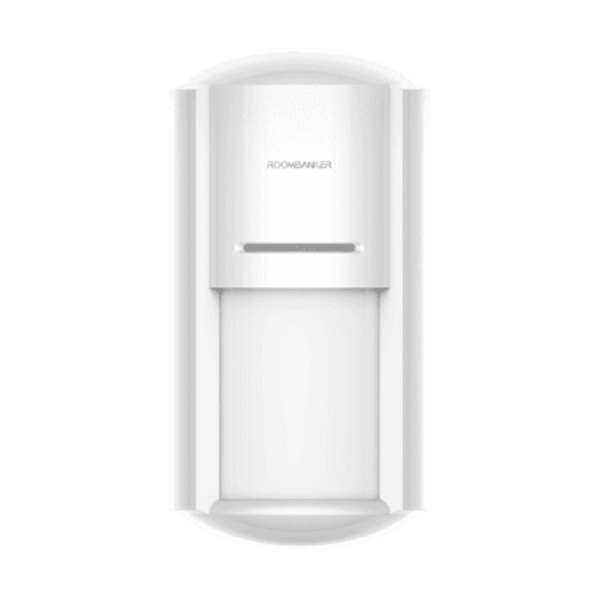
01. Pairing & Initial Setup
- 1In RB Link, select your hub, tap "+", and choose "Add peripheral".
- 2Pull the battery insulation strip—the green LED flashes (250 ms on / 750 ms off) for auto-enrollment.
- 3If needed, hold the network button for 5 seconds to enter pairing mode manually.
- 4Assign a zone/room and tap "Done".