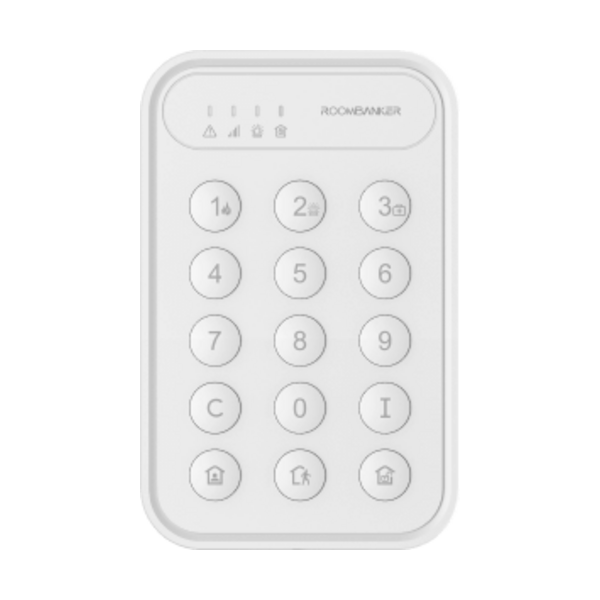
01. Pairing & Initial Setup
- 1In RB Link, open your hub, tap "+", and select "Add peripheral".
- 2Power switch ON—the green indicator flashes and the keypad appears in the app.
- 3If undetected, hold the register button for 5 seconds.
- 4Configure user PIN codes and optional Duress Code in RB Link settings.