01. Pairing & Initial Setup
- 1Open your hub in RB Link, tap "+", and choose "Add peripheral".
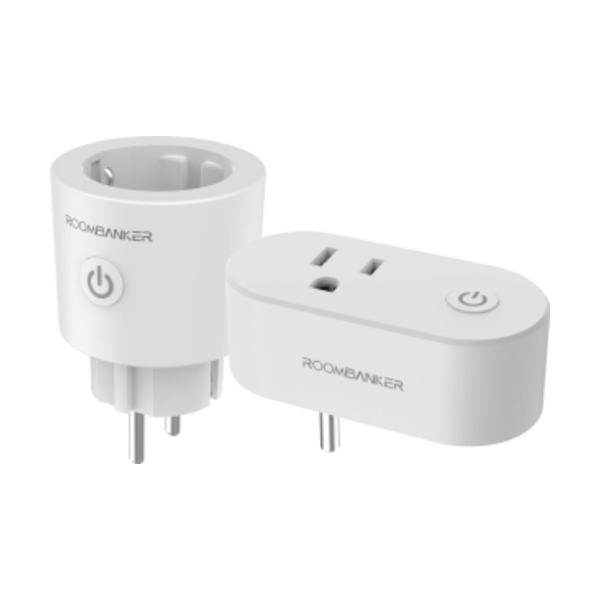
- 2Plug into a 230V EU wall outlet—the blue LED flashes and the plug appears automatically.
- 3Hold the power button for 5 seconds if manual discovery is required.
- 4Assign a room and tap "Done".