01. Pairing & Initial Setup
- 1Ensure your router has 2.4 GHz Wi-Fi enabled (5 GHz is not supported by RBVD-OC1-M5).
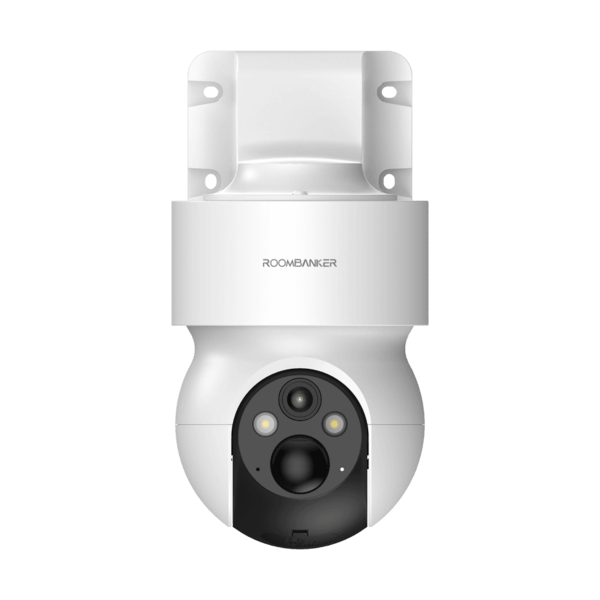
- 2Power up the camera until the red indicator flashes.
- 3Open RB Link, tap "+" → "Scan", and scan the camera QR code.
- 4Join the 2.4 GHz Wi-Fi network—the indicator turns solid blue once online.