01. Pairing & Initial Setup
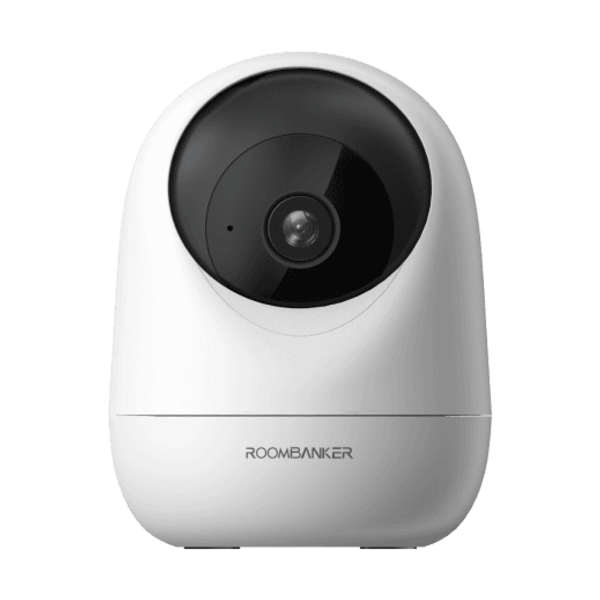
- 1Plug in the USB Type-C (5V / 1A) power cable until the red status LED starts flashing.
- 2In RB Link, tap "+" → "Scan" and scan the camera QR code.
- 3Select your 2.4 GHz or 5 GHz Wi-Fi network (SSID and password max 24 characters).
- 4When connected, the LED turns solid blue.